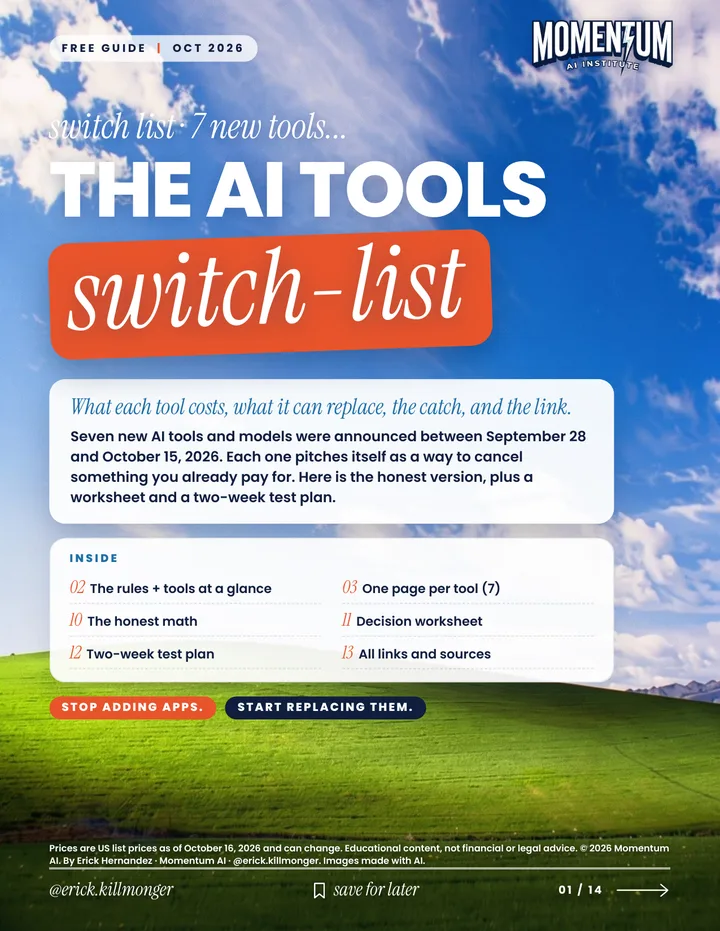
Keyword: TOOLS14 pages
The AI Tools Switch-List
What each tool costs, what it can replace, the catch, and the link.
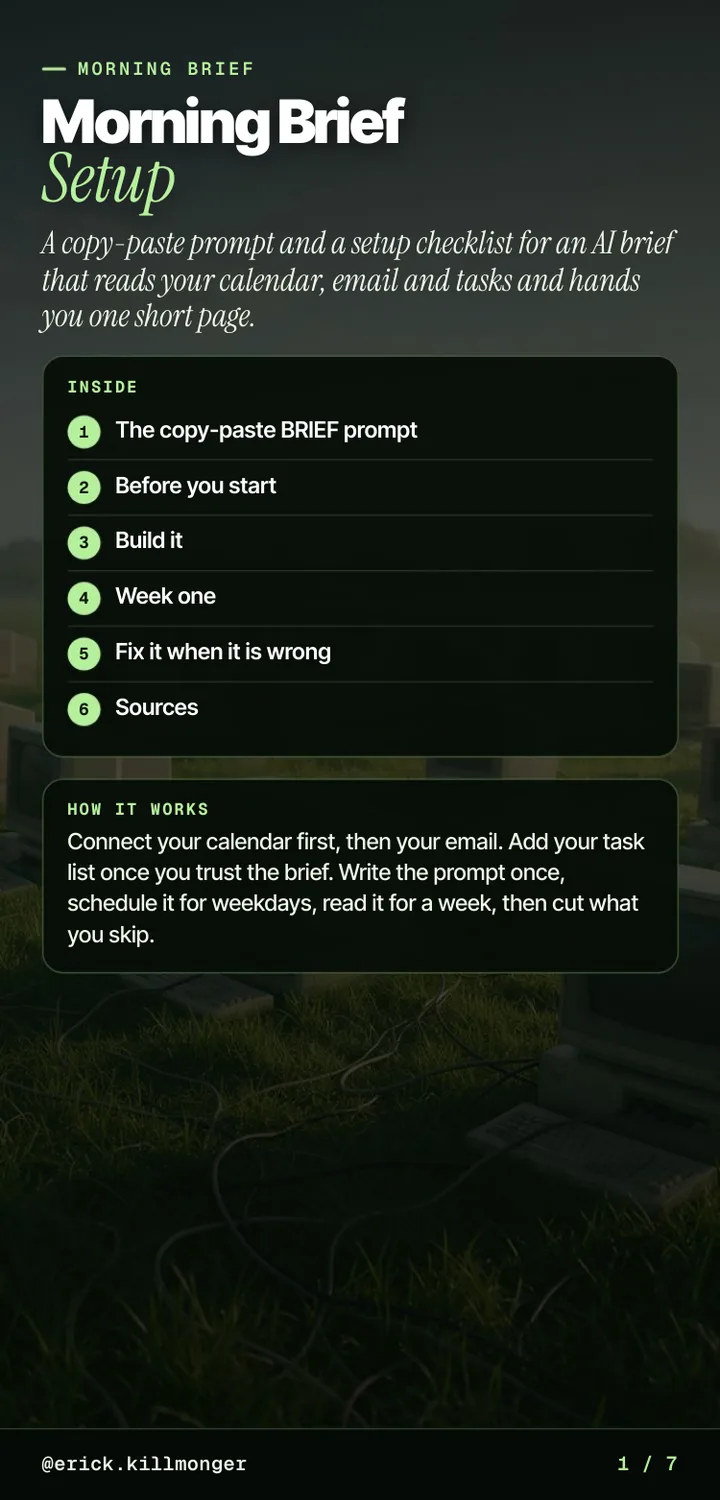
An AI brief that reads your calendar, email and tasks and hands you one short page.
A copy-paste BRIEF prompt and a setup checklist for an AI morning brief. Connect your calendar first, then your email, schedule it for weekdays in Claude or ChatGPT, read it for a week, then cut what you skip.
PDF, 7 pages, 0.43 MB
First pages of the PDF
take a look...
is this for you...
Before you rely on this
App menus and plan limits change often, so check the linked help pages if a step looks different. Read the brief before you act on it. Educational content, not financial or legal advice.
one email, two steps...
One email, two steps you can use this week. New guides land here first.

Momentum AI on Skool is where I share practical AI for business: step by step systems and real builds you can follow and adapt. Come and see if it fits you.
keep going...
What each tool costs, what it can replace, the catch, and the link.
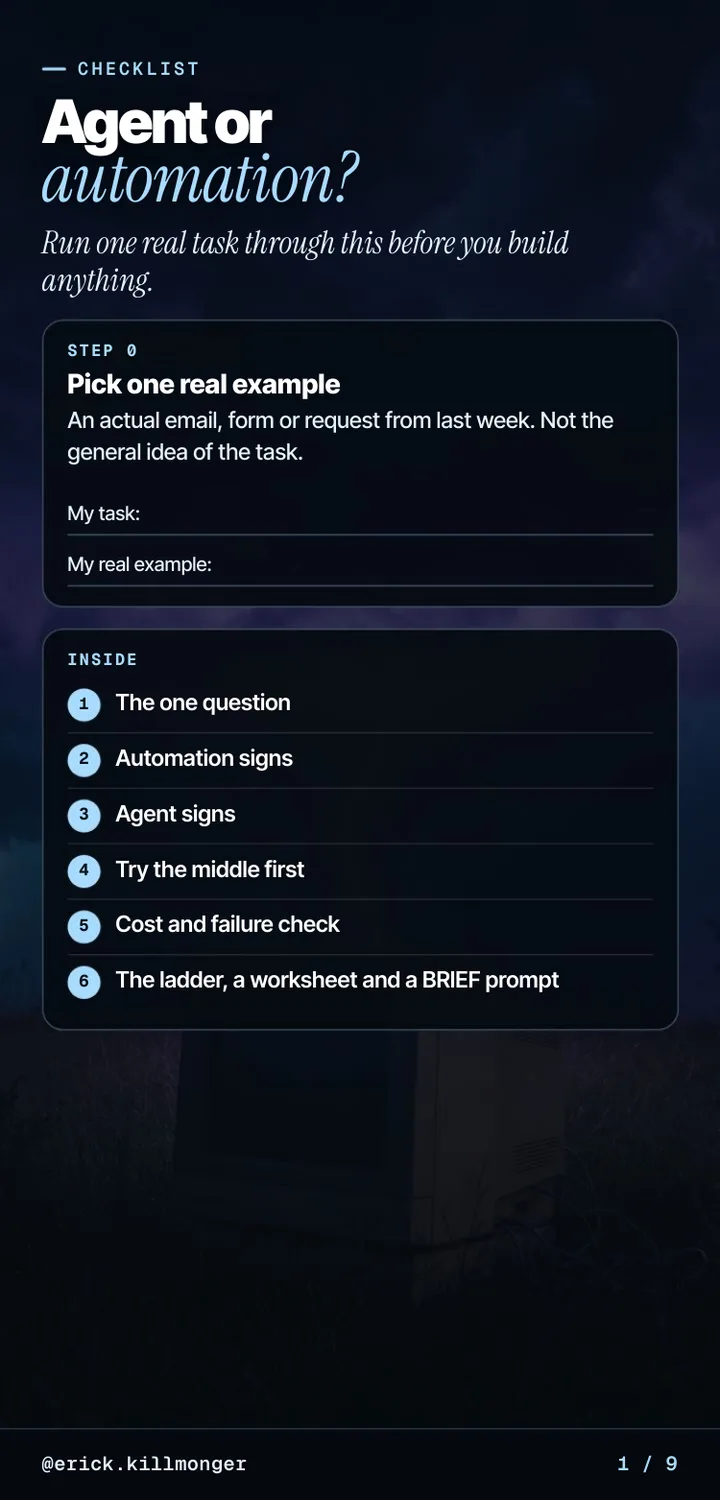
Run one real task through this before you build anything.
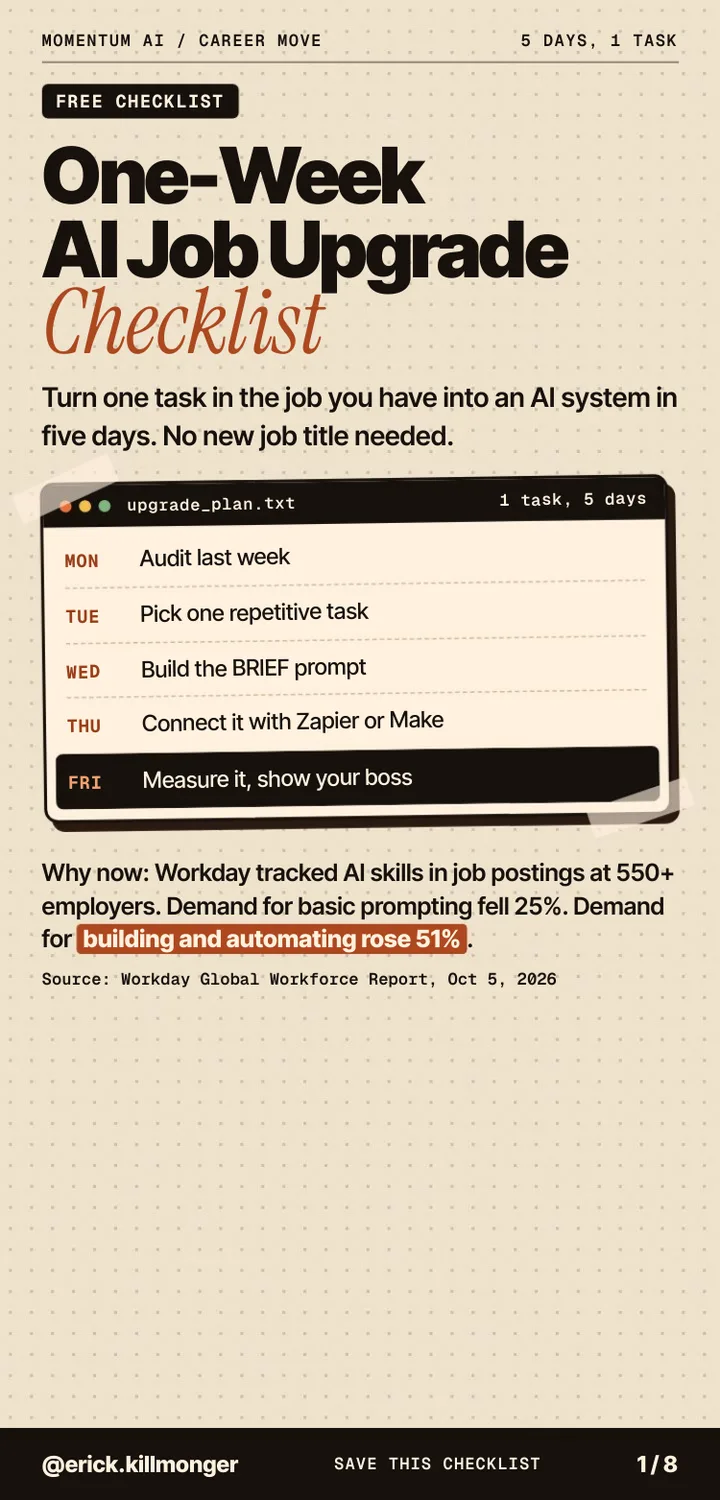
Turn one task in the job you have into an AI system in five days.