Keyword: EDITORAI ToolsFree guide
Tool list, setup prompt, and style sheet template for Claude Code video edits.
Claude Reel Editor Setup
A short setup guide for using Claude Code as a reel editor. Get the tool list, paste one setup prompt, fill in a style sheet template, save an approved edit as a skill, and run a checklist before you post.
PDF, 8 pages, 0.22 MB
- Pages
- 8
- File
- PDF, 0.22 MB
- Last checked
- October 26, 2026
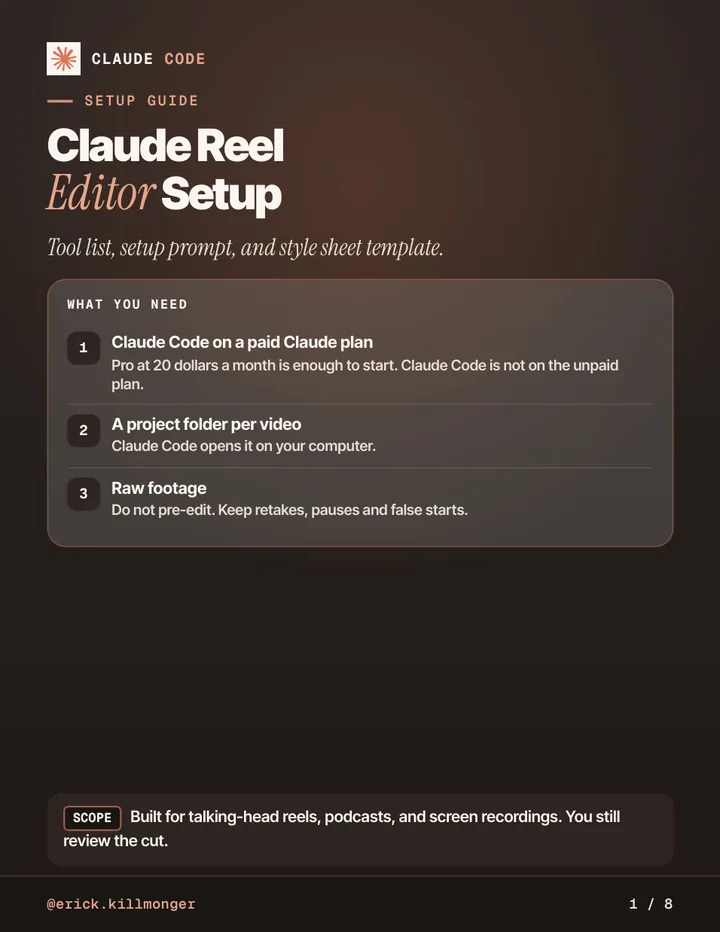
First pages of the PDF
take a look...
What is inside
- What you need: Claude Code on a paid plan, a project folder and raw footage
- The tool list Claude installs for you: ffmpeg, Whisper, Remotion or HyperFrames and more
- A paste-in setup prompt that checks installs and runs a caption test
- A style sheet template for colors, fonts, captions, zoom and never-do rules
- Edit order, saving an approved edit as a skill, and a style breakdown prompt for reference reels
- A before you post checklist, plus sources checked Oct 25, 2026
is this for you...
Who it is for
- Creators who film talking-head reels, podcasts or screen recordings
- People who want Claude Code to cut, caption and export vertical video
- Beginners who want a clear first setup before they trust an AI edit
Before you rely on this
Claude edits from the transcript and frames. Your eye is the final pass. Tool names and plan limits change, so check the linked help pages if a step looks different. Educational content, not financial or legal advice.

The newsletter
one email, two steps...
Two Steps Ahead
One email, two steps you can use this week. New guides land here first.

The community
Want to build it with other people? Come to Skool.
Momentum AI on Skool is where I share practical AI for business: step by step systems and real builds you can follow and adapt. Come and see if it fits you.
keep going...
Related guides
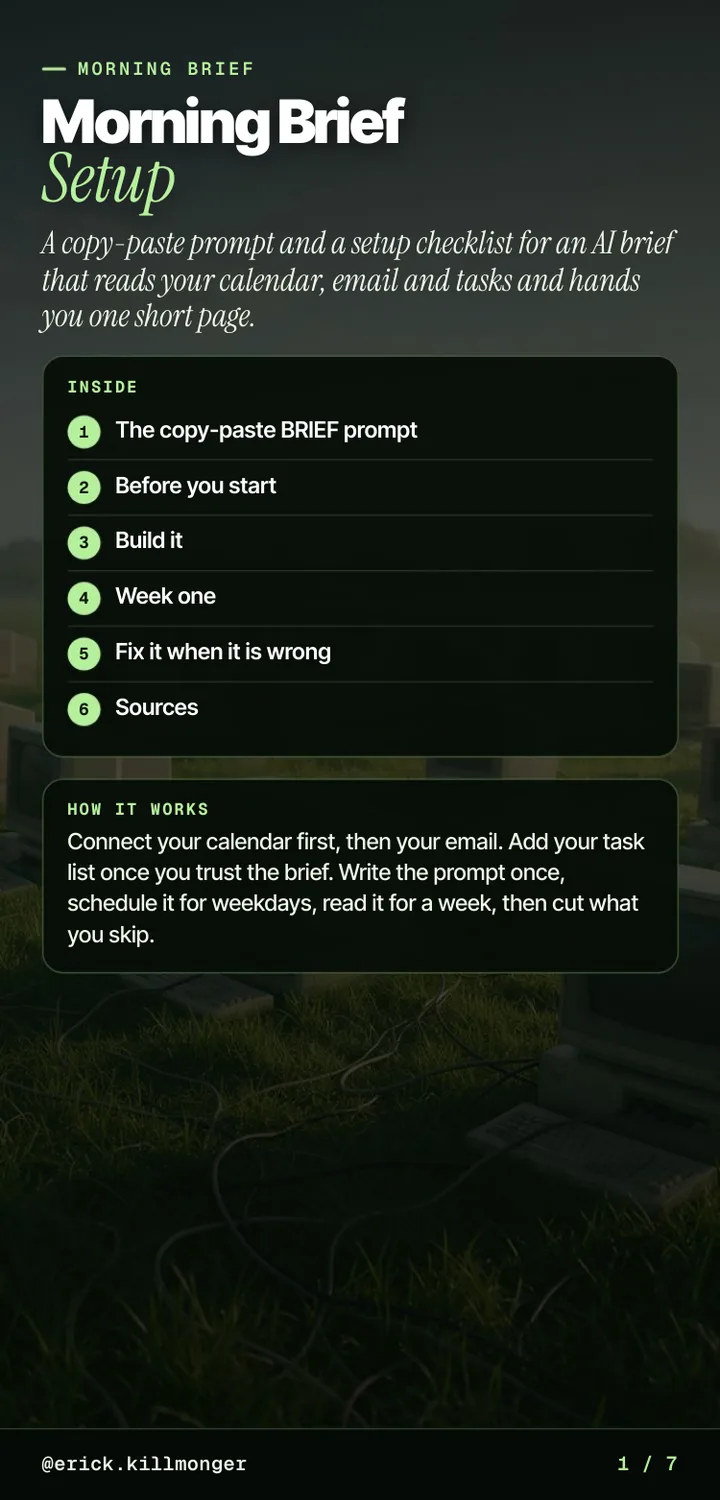
Keyword: BRIEF7 pages
Morning Brief Setup
An AI brief that reads your calendar, email and tasks and hands you one short page.

Keyword: TOOLS14 pages
The AI Tools Switch-List
What each tool costs, what it can replace, the catch, and the link.